


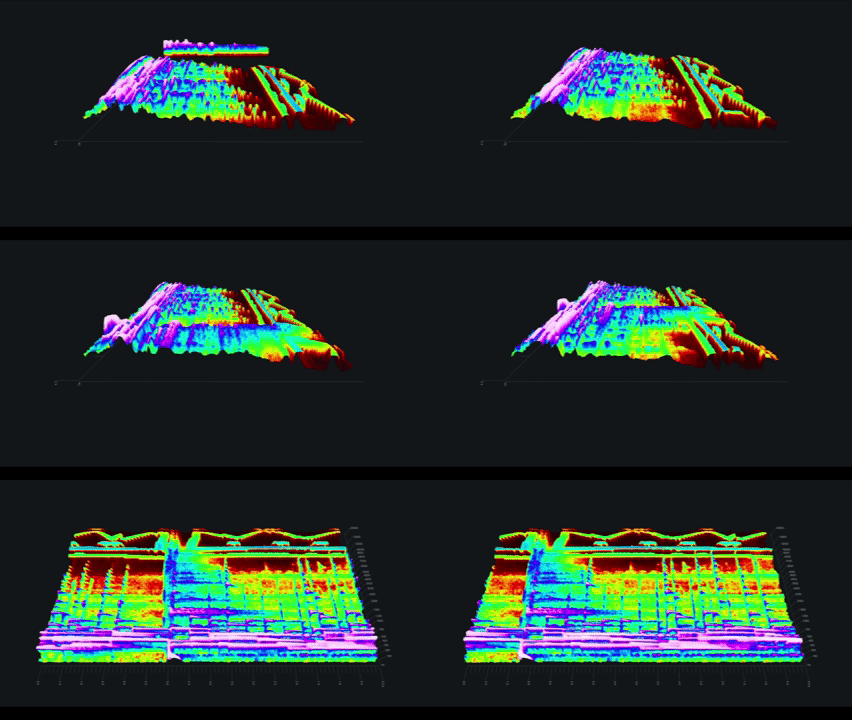
It’s been a while since we released our track Ghosts and we figured we’ve waited long enough to reveal a little Easter Egg that was embedded within the track.
If you open up the master from the Bandcamp page:
https://ourfriendgus.bandcamp.com/track/ghosts
And then open the track in a tool such as Izotope RX:

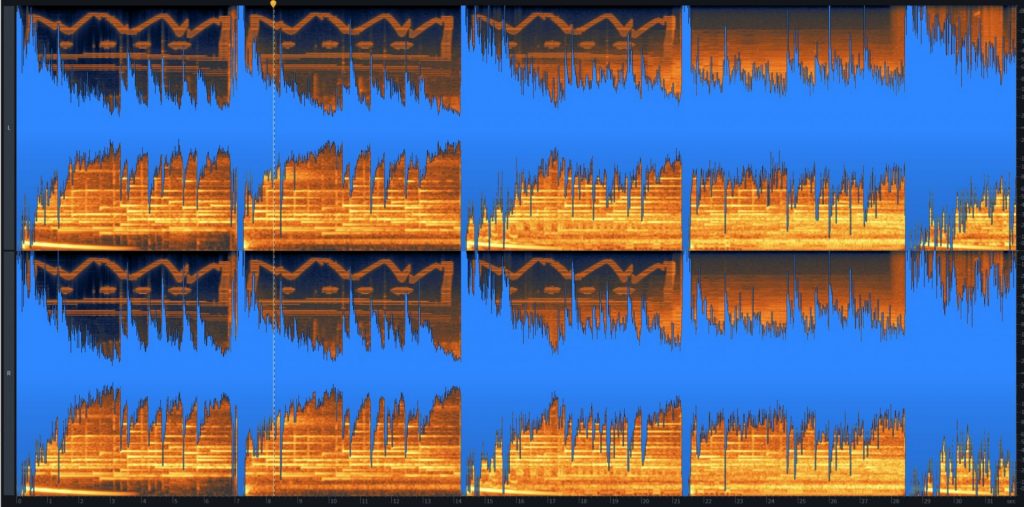
You’ll notice that in the high frequencies of the track is embedded a spectograph of Charlesthefirst’s iconic crown graphic, taken from Gus’s tattoo.
Here’s the same spectrograph visualized in Izotope Insight with audio:

Drawing Spectographs
To embed the spectograph, we used a Python script to generate a waveform in the shape of the crown, then used a frequency shifter to place the sound where it would not be noticeable in the track.
The following Python code, most likely based on this example (it’s been a long time), generates the waveform:
#!/usr/bin/env python3
import struct
import os
from PIL import Image
import sys
import math

dsp = os.fdopen(1, "wb")


def write(i, q):
    i = int(i * 127)
    q = int(q * 127)
    data = struct.pack("bb", i, q)
    dsp.write(data)


RATE = 4_000_000  # 4M sample rate
TRANSMIT_TIME = 2  # 2 Seconds
FREQ_DEV = 15_000  # 15 KHz


im = Image.open(sys.argv[1])
im.convert("1")  # 1 means 1-bit image


t = 0

for y in range(im.height)[::-1]:
    target = t + TRANSMIT_TIME / im.height

    line = [im.getpixel((x, y)) for x in range(im.width)]
    while t < target:
        i = 0
        q = 0

        for x, pix in enumerate(line):
            if not pix:
                continue
            offs = x / im.width
            offs *= FREQ_DEV
            i += math.cos(2 * math.pi * offs * t) * 0.01
            q += math.sin(2 * math.pi * offs * t) * 0.01
        write(i, q)
        t += 1.0 / RATE
Although that Python script worked in the past for us, there is a more modern library for doing this called spectrographic:
pip install spectrographicAfter installing the library you can invoke its generator to convert images to wav files:
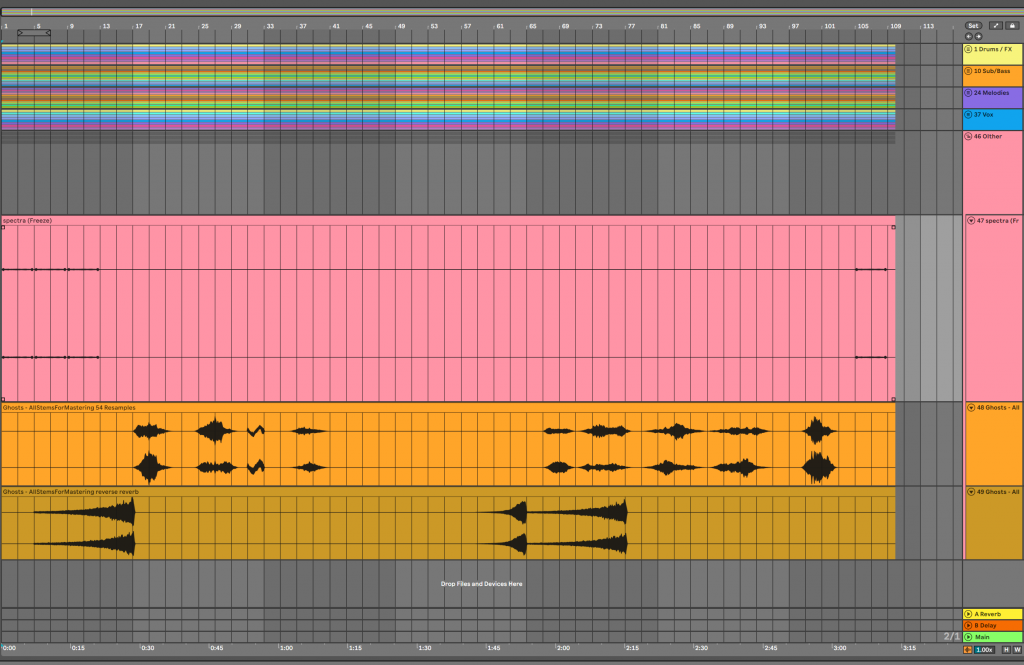
spectrographic -i crown.gif -s crown.wavPutting the waveform in your Ableton project and then mixing in the wav using things like EQs, filters, and frequency shifters allows you to hide it in the mix and make it unnoticeable in the track during playback. In the following screenshot, you can see the spectographic in the stems version of Ghosts:

We hope you enjoyed this little bit of lore and maybe sneak some spectrographics into your own tracks!
Another writer’s note about Ghosts
Ghosts was written specifically as a complimentary layer to an edit of Charlesthefirst’s track, Beacon, using Beacon as the call and Ghosts as the nested response.

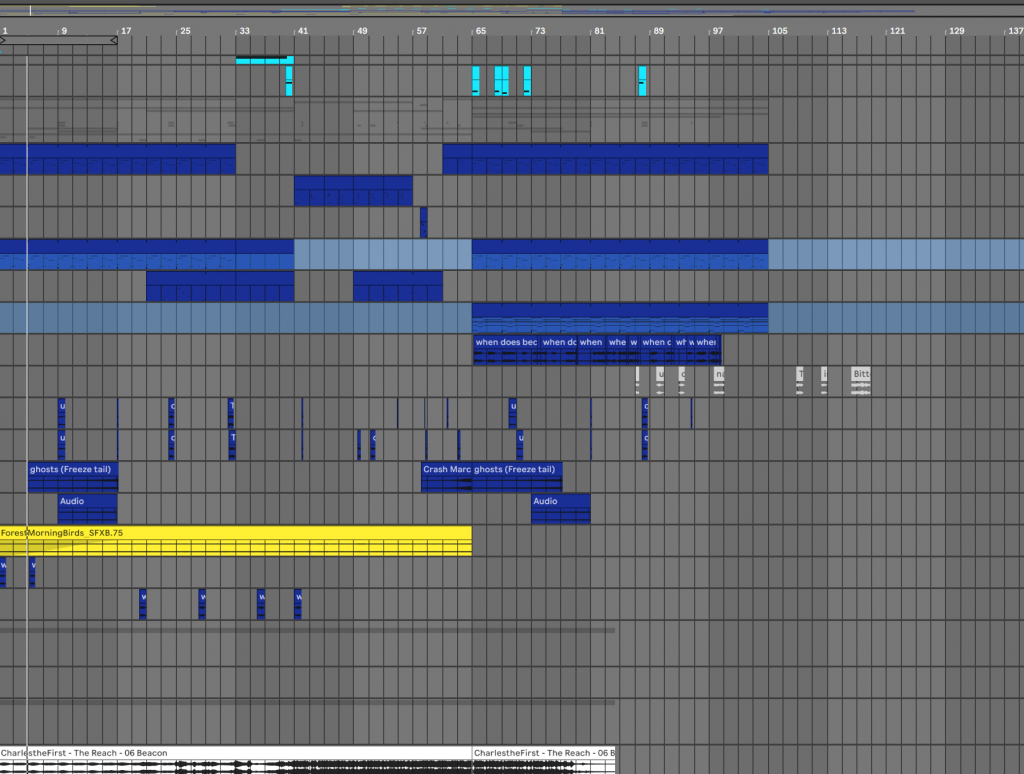
As an included bonus, you can check out the Ghosts :: Beacon mashup version of the track here that was played out at the Applecross festival in 2024: